How to Loop Through Nested Dictionaries in Django Templates
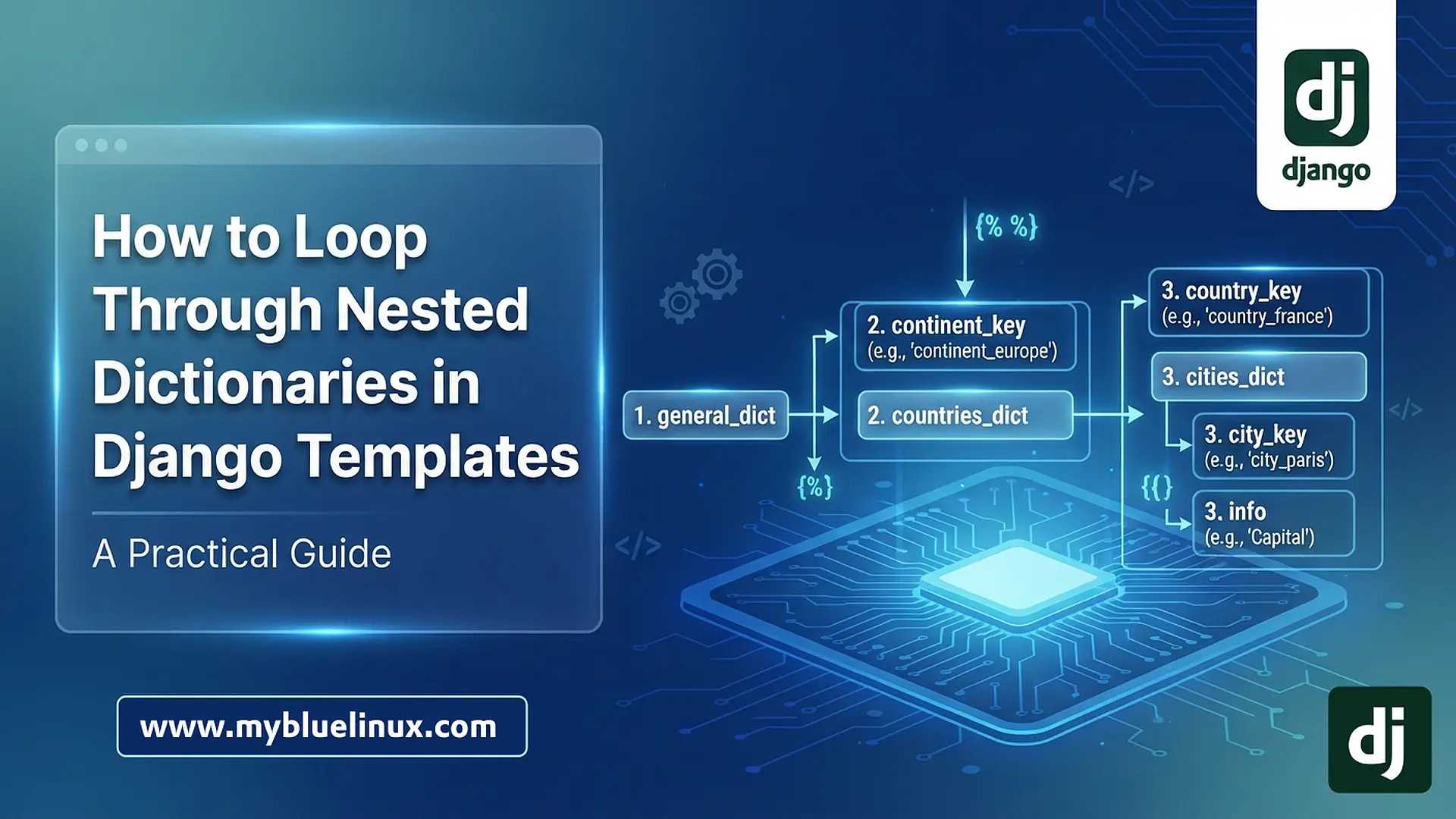
Working with complex, multi-dimensional data structures is common in web development. While Python makes iterating through nested dictionaries straightforward, Django's template language (DTL) has specific design limitations—intentionally put in place to keep logic out of the views—that require a specific approach.
This article outlines the general, repeatable steps required to unpack a nested dictionary within a Django template using the .items() method.
The Scenario
Imagine you have passed a complex, three-level dictionary from your view to your template. For this example, we will use the following Python structure named general_dict:
general_dict = {
    "continent_europe": {
        "country_france": {
            "city_paris": "Capital",
            "city_lyon": "Hub",
        },
        "country_spain": {
            "city_madrid": "Capital",
            "city_barcelona": "Hub",
        },
    },
    "continent_asia": {
        "country_japan": {
            "city_tokyo": "Capital",
            "city_osaka": "Commercial Hub",
        },
    },
}
Our goal is to create an HTML list structure that displays every key and every value at every level of nesting.
The General Solution: Recursive Nesting
To achieve this, we must use the Django {% for %} tag paired with standard dot notation. The golden rule is: Whenever you encounter a value that is itself a dictionary, you must open a new {% for %} loop.
Here are the four general steps to follow.
Step 1: Access the First Level of Data
Just like in Python, you cannot simply loop through a dictionary object directly in a Django template to get both keys and values. You must use the .items() method.
We begin by iterating through the main dictionary.
Template Code:
<ul>
{% for continent_key, countries_dict in general_dict.items %}
    <li>
        Continent: {{ continent_key }}
        <!-- Step 2 goes here -->
    </li>
{% endfor %}
</ul>
💡 Key Takeaway: .items is mandatory for looping dictionaries in djanto template language
general_dict.items: Converts the dictionary into a list of (key, value) tuples.continent_key: Holds the string "continent_europe" or "continent_asia".countries_dict: Holds the entire dictionary nested under that continent.
Step 2: Enter the Second Level
Inside the first loop, we now have access to countries_dict. We know this variable contains more dictionaries, so we immediately open a second {% for %} loop using .items() again.
Template Code:
<ul>
{% for continent_key, countries_dict in general_dict.items %}
    <li>
        Continent: {{ continent_key }}

        <!-- NESTED LOOP 2 -->
        <ul>
        {% for country_key, cities_dict in countries_dict.items %}
            <li>
                Country: {{ country_key }}
                <!-- Step 3 goes here -->
            </li>
        {% endfor %}
        </ul>

    </li>
{% endfor %}
</ul>
Step 3: Reach the Final Level
We are now inside the second loop and have access to cities_dict. Looking at our original Python data, we know that the values inside cities_dict are strings (e.g., "Capital"), not dictionaries.
Therefore, this is the final iteration. We do not need to open another loop. We simply output the key and the value using dot notation.
Template Code:
<ul>
{% for continent_key, countries_dict in general_dict.items %}
    <li>
        Continent: {{ continent_key }}
        <ul>
        {% for country_key, cities_dict in countries_dict.items %}
            <li>
                Country: {{ country_key }}

                <!-- FINAL NESTED LOOP 3 -->
                <ul>
                {% for city_key, info in cities_dict.items %}
                    <li>
                        {{ city_key }}: {{ info }}
                        <!-- Output: city_paris: Capital -->
                    </li>
                {% endfor %}
                </ul>

            </li>
        {% endfor %}
        </ul>
    </li>
{% endfor %}
</ul>
Full HTML Template
<!DOCTYPE html>
<html lang="en">
<head>
    <meta charset="UTF-8">
    <title>Nested Dictionary Loop</title>
    <style>
        body { font-family: sans-serif; }
        ul { margin-bottom: 15px; }
        li { margin-left: 20px; }
        strong { color: #333; }
    </style>
</head>
<body>

    <h1>Dictionary Contents</h1>

    <!-- Level 1: Loop through general_dict -->
    <ul>
        {% for continent_key, countries_dict in general_dict.items %}
            <li>
                Continent: {{ continent_key }}
                <ul>
                {% for country_key, cities_dict in countries_dict.items %}
                    <li>
                        Country: {{ country_key }}

                        <!-- FINAL NESTED LOOP 3 -->
                        <ul>
                        {% for city_key, info in cities_dict.items %}
                            <li>
                                {{ city_key }}: {{ info }}
                                <!-- Output: city_paris: Capital -->
                            </li>
                        {% endfor %}
                        </ul>

                    </li>
                {% endfor %}
                </ul>
            </li>
        {% endfor %}
    </ul>

</body>
</html>
Step 4: Review and Verify
The resulting HTML structure mirrors the nesting of the Python dictionary.
- The Outer Loop grabbed continents.
- The Middle Loop grabbed countries within those continents.
- The Inner Loop grabbed specific cities and their designations within those countries.
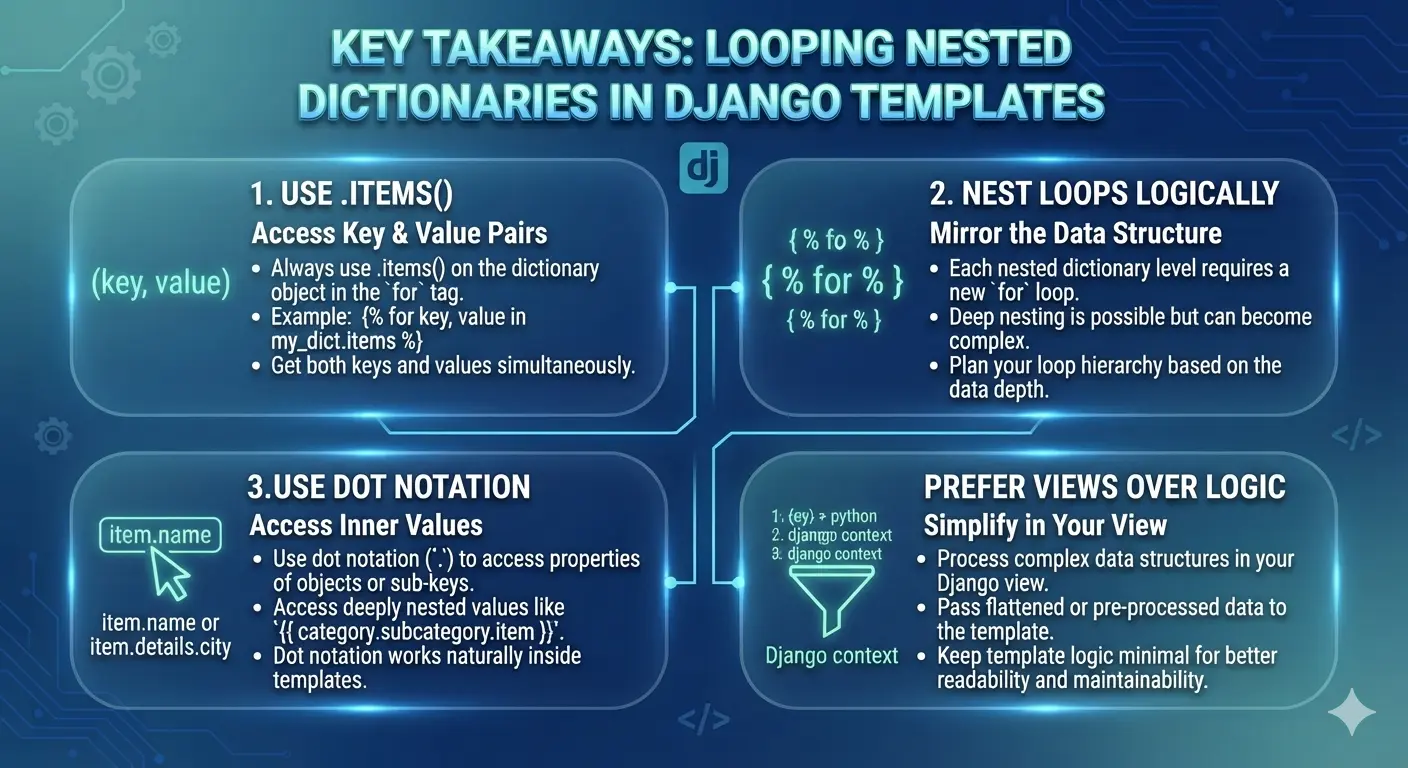
Key Takeaways and Best Practices
.itemsis mandatory for looping dictionaries in djanto template language: In Python, you dofor k, v in dict.items():. In Django templates, you drop the parentheses and use{% for k, v in dict.items %}.- Consistency: Once you are inside the loop, the variable
VARIABLE_dictholds the inner dictionary. - Variable Naming: Use descriptive names in your
fortags (e.g.,countries_dictinstead of justdict). This makes the template much easier to read and debug as the nesting gets deeper. - Debugging: If a section of your loop isn't rendering, use the
{{ my_variable|typeof }}template filter (if available in your Django version) or simply print the variable name alone (e.g.,{{ cities_dict }}) without trying to access.itemsto see exactly what data type you are working with at that stage. - Complexity limits: While you can nest loops deeply in Django, if you find yourself going past three or four levels, it might indicate that your data structure is too complex. Consider restructuring the data into Django models or simplifying it within your view before sending it to the template.